Curious
Ask It Later
Wonder now.
Answers later.
A tree on a trail. A thought on the train. A question you don’t want to lose.
Record a thought, type a question or add a photo. Save it now. Find your answer later.
Voice and text capture work fully offline.
For iPhone. Made by FigLantern.
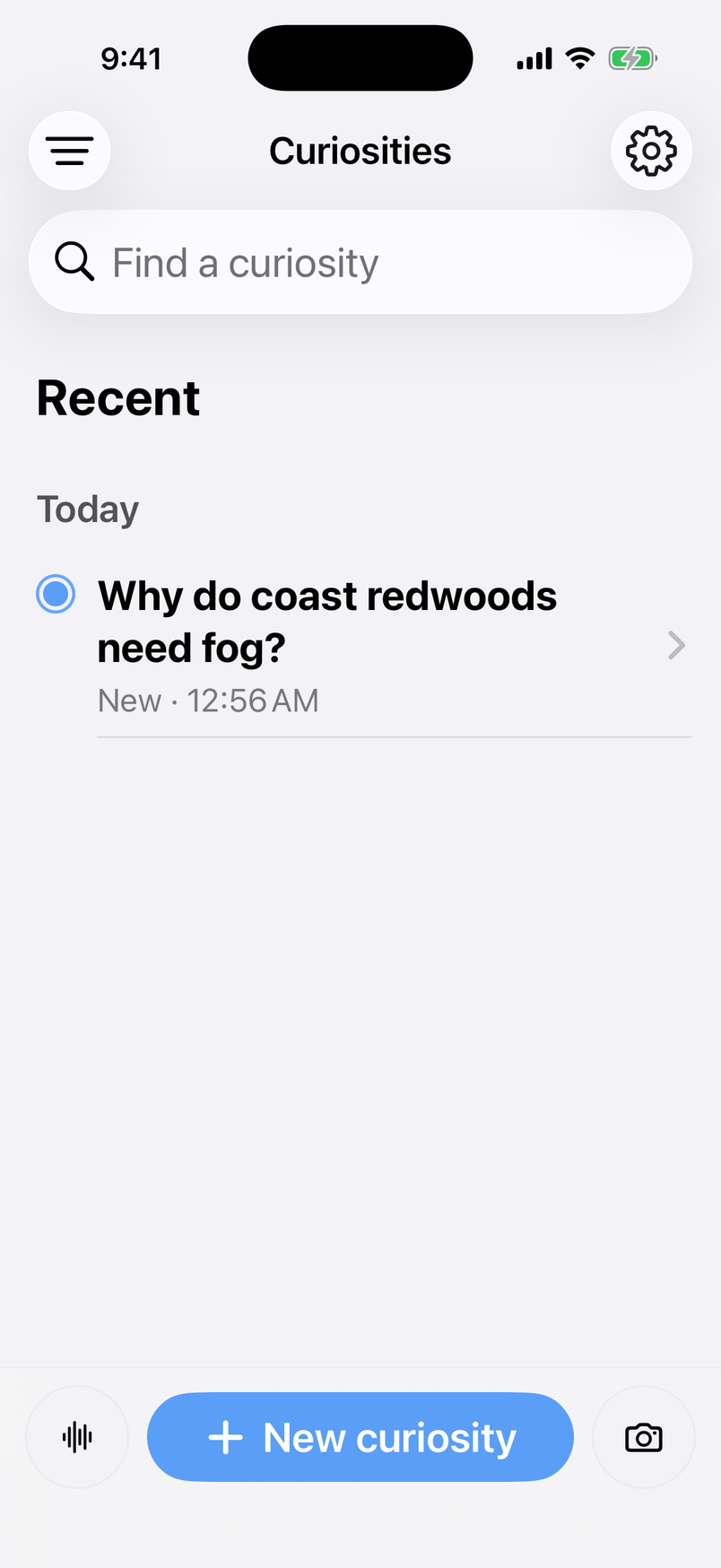
A little home for your everyday questions.
Save the spark
Stay in the moment.
Keep the question.
You don’t have to choose between enjoying something and understanding it.
- 01
Catch what catches you.
Type a thought, record a question or take a photo. Add a place when it helps. Capture works even without a signal.
- 02
Come back to an answer.
Curious researches your question and brings back a clear explanation, with sources to explore when research is needed.
- 03
Follow the next thought.
Ask a private follow-up. Listen to the answer. Keep it all together in a library you can search later.
Five ways to save the spark
Your question.
Your way.
Say it, type it, show it. Or keep capture a shortcut away. Voice and text save fully offline.


Say it before it slips away
A thought, in your own words.
Tap record, say what you’re wondering, and save. Keep walking. Your voice note stays on your iPhone.
For example“What makes rain smell so earthy?”
Works without a connection.
A few words are enough
Type it. Keep it.
A question, a rough note, a half-formed thought. A few words are all you need to save the spark.
For example“Why do cats purr?”
Works without a connection.
Show what caught your eye
Start with what you see.
Take a photo or choose one from your library, then add your question. Keep the moment now; research it when you’re connected.
Photos are always optional.
A shortcut to the spark
Press. Hold. Catch the thought.
On supported iPhones, set the Action Button to Curious. Choose to start voice capture or open the input menu.
Voice recording still works without a connection.
Keep curiosity within reach
A place on your Home Screen.
Add the Curious capture widget, or a control in Control Center. Jump straight into capture without hunting for the app.
Save your question now. Find an answer later.
Research continues when you’re connected.
From a passing thought to a little discovery
One question can
lead somewhere.
Start with what you noticed. Go a little deeper when you have a moment.
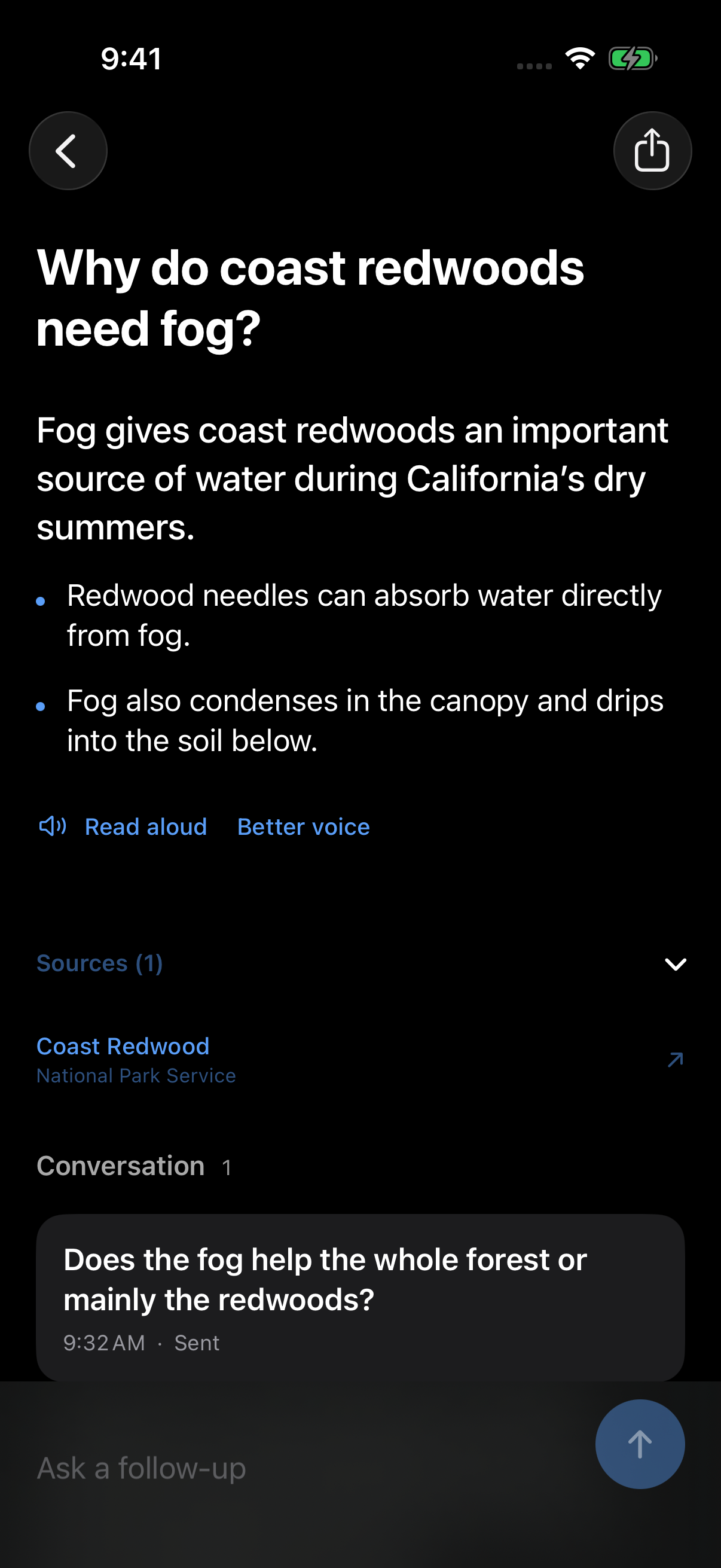
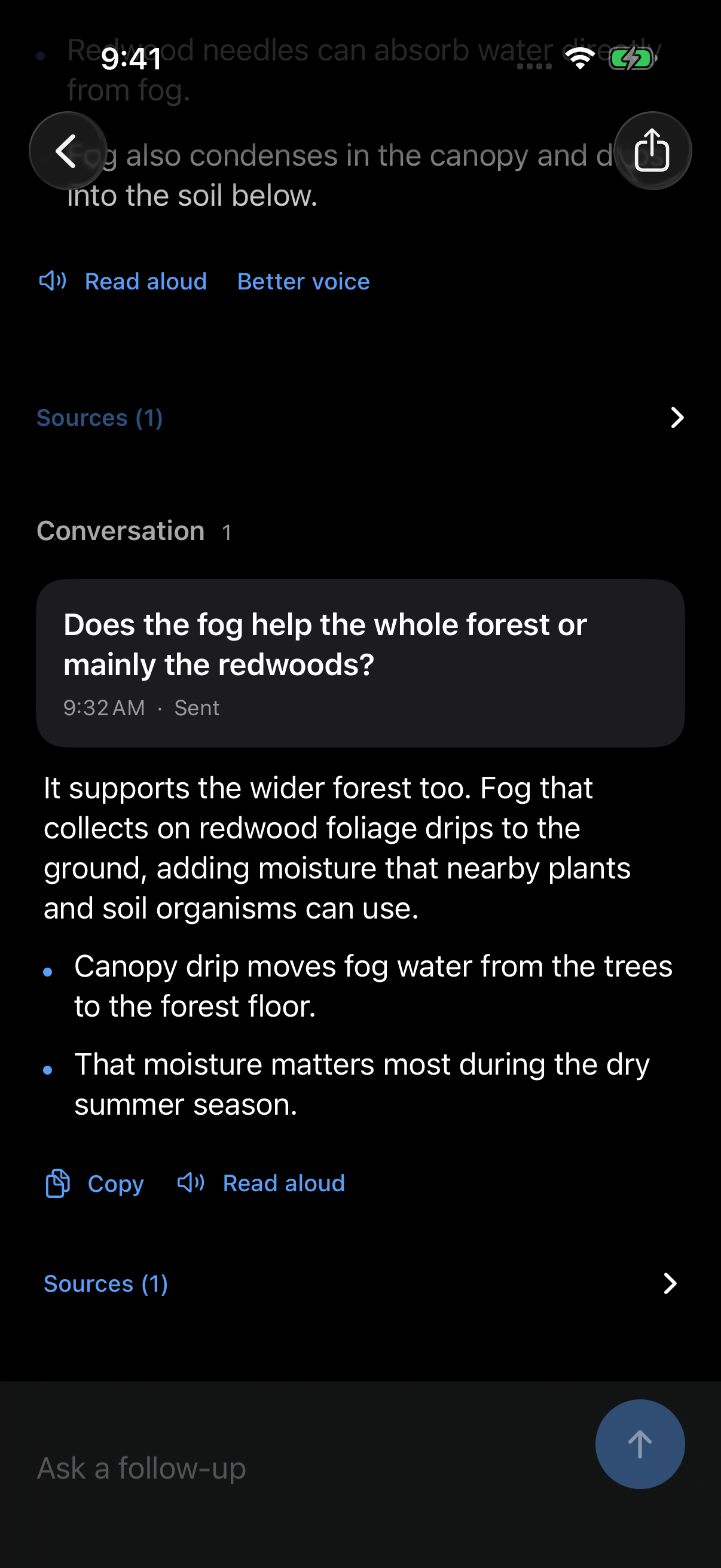
Actual app screens with example questions and answers.
Less interruption. More noticing.
For the things
you almost forgot
to ask.
No signal on the trail? Save it anyway. Your question stays on your iPhone, ready for research when you’re connected.
On the way home, listen to an answer. Share a discovery with a friend. Find that question again next week.
On a walk“Why does rain smell so earthy?”
Looking up“Why does the moon look bigger near the horizon?”
At home“Why do cats purr?”
Room to be curious
Your questions.
Your own space.
No feed to keep up with. No ads.
Your library lives on your iPhone. Voice recordings stay there, too. Curious asks permission before sending content for cloud research.
Search what you’ve saved, revisit an answer offline, or export your library when you want a copy.
A few useful answers
Before you
get curious.
Can I use it offline?
Yes. Record voice notes, type questions and read saved answers without a connection. Transcription uses on-device speech when available. Research that needs the internet waits until you’re connected.
Can I ask about a photo?
Yes. Take a photo or choose one from your library and add your question. You can also type or record a thought. Photos and location are optional.
Can I share an answer?
Yes. Send a chosen answer through your iPhone’s share sheet. Your follow-up conversation and the rest of your library stay private.
What does it cost?
The launch version is free, with 100 completed external researches included for a verified Apple customer. Daily limits and service availability apply. There are no purchases or subscriptions in this version, and saved questions and answers remain available after that allowance is used.
When and where can I get it?
Curious is coming to the U.S. App Store. It is not publicly available yet. It’s designed for iPhone running iOS 26 or later, in English.
There’s more to the everyday.